Kitson Flipbook · PC, Mac and phones
A few pictures in. A smooth looping GIF or video out.
Add 2 to 10 pictures in order. Flipbook draws the frames in between, loops it and saves a GIF or a video. There is a green screen built in, and everything stays on your computer or phone.
- Nothing is uploaded
- No account
- Works offline
- PC, Mac and phones
What it does
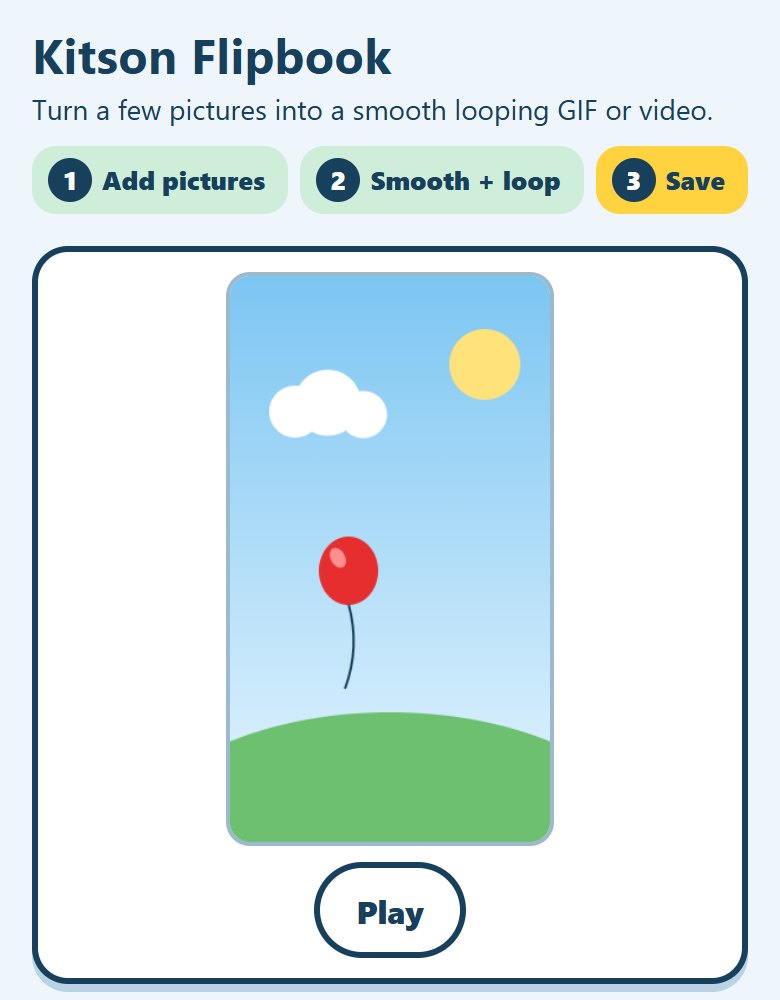
Made for flipbook-style loops: a wave, a jump, a bounce, a sunrise.
- 2 to 10 pictures become one smooth loop. Flipbook draws up to 8 frames between each pair, so things that move slide instead of jumping.
- Round or back and forth. The last picture can flow back to the first, or the loop can play forwards then backwards.
- Your speed. From 2 to 15 frames a second.
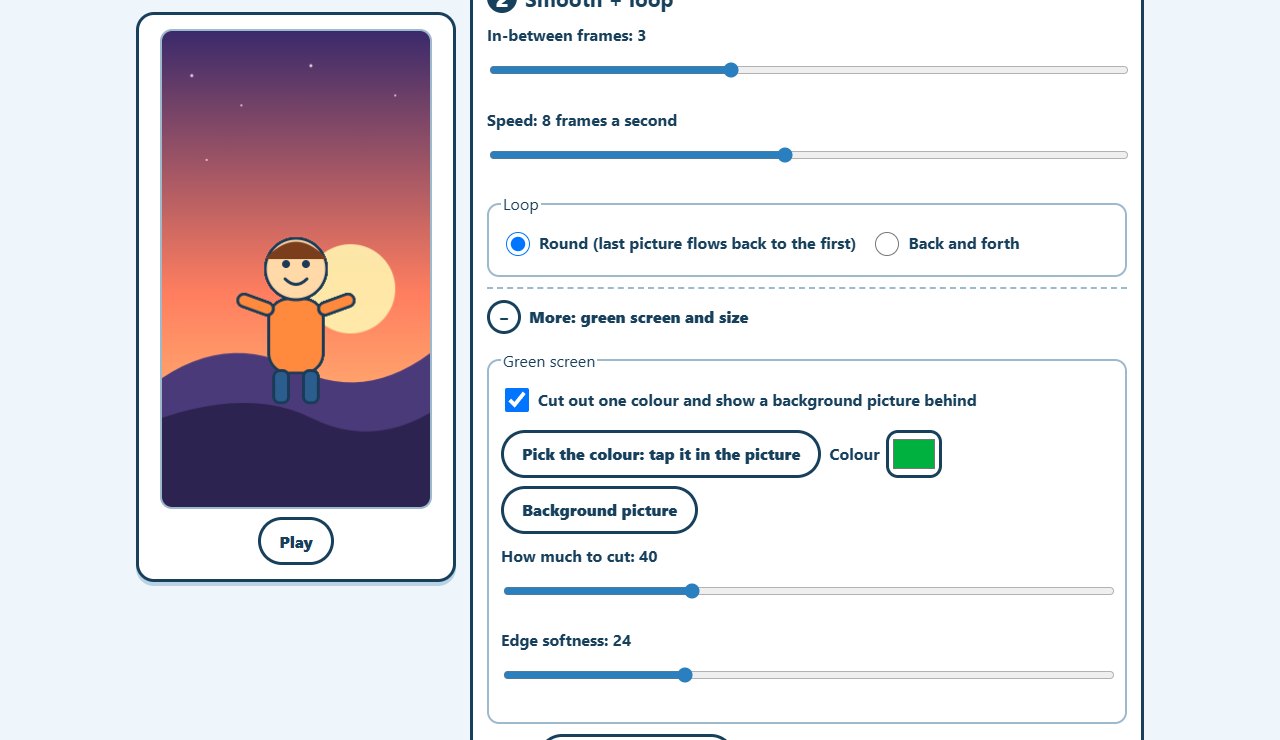
- Green screen. Cut out one colour (tap it in your picture) and put any background picture behind.
- Save a GIF or a video. A small GIF at 270, 360 or 480 pixels wide, or an MP4 or WebM video where your browser can record one.
- Everything stays on your device. Your pictures are never uploaded, Flipbook stores nothing, and there is no account. Close it and they are gone.
- A flash check. Fast flashing pictures can harm some viewers. Flipbook warns you when a loop flashes fast and asks before saving it.
How to use it: three steps
-
Add pictures
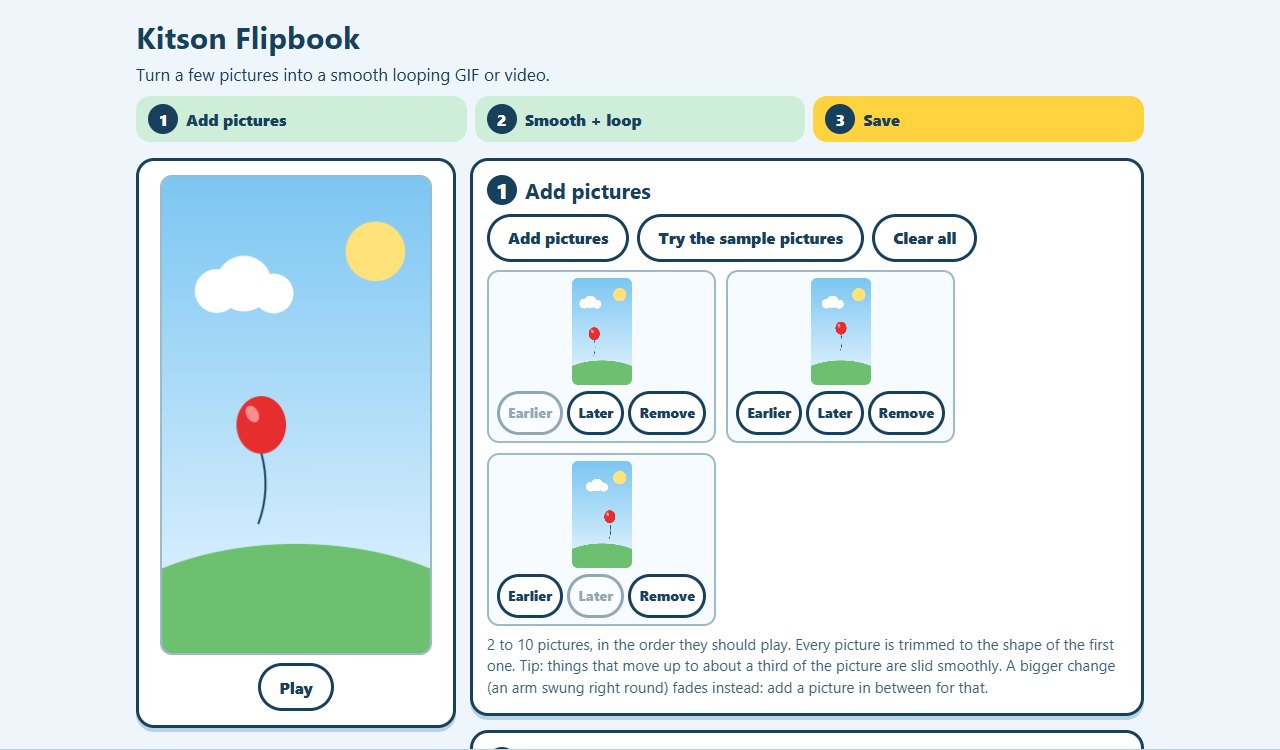
Pick 2 to 10 pictures, in the order they should play: photos, drawings or screenshots. Change the order with the arrow buttons. Want to see it first? Tap "Try the sample pictures".
-
Smooth + loop
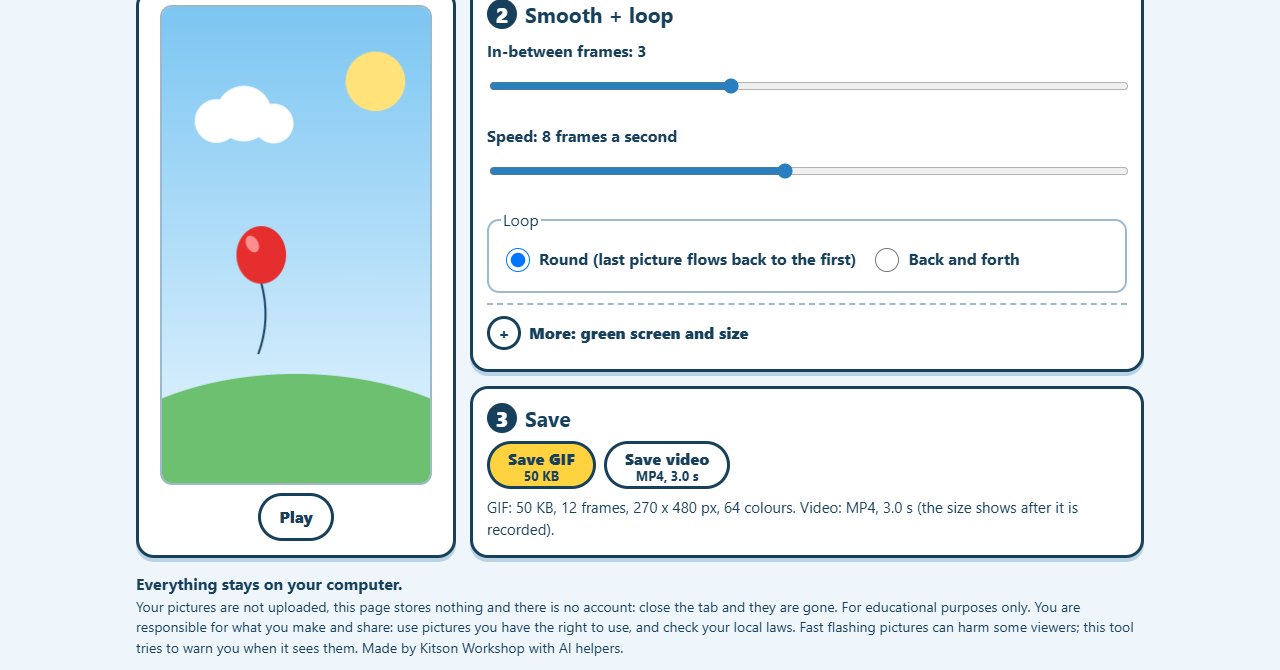
Choose how many in-between frames, the speed and the loop style. For a green screen, open "More", tick the box, tap the colour to cut out and add a background picture.
-
Save
Tap Save GIF, or Save video. The file goes to your Downloads (on a phone, to your files or photos), ready to share.
Tip: a small move between pictures slides smoothly. A big change (an arm swung right round) fades instead, so add a picture in between for that.
Screenshots
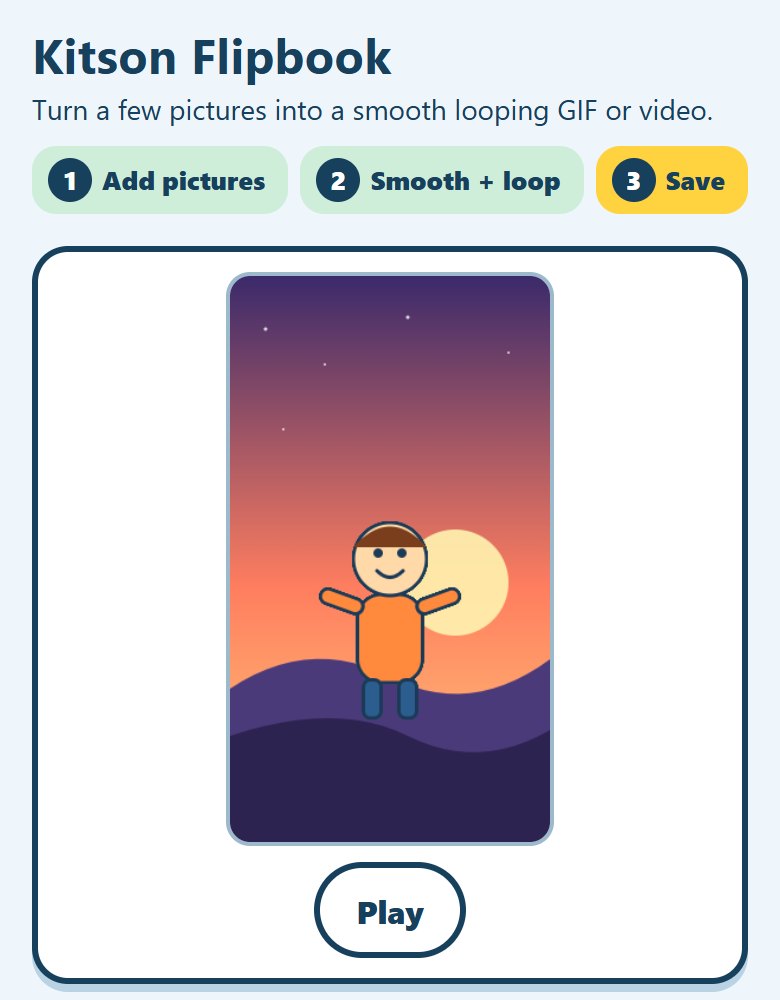
Taken from the app itself, with our own sample pictures.
Get Kitson Flipbook
Kitson Flipbook
$14 one-time
No subscription. Personal use.
- The full app for your computer: one file that opens in Chrome, Edge, Firefox or Safari on Windows, Mac, Linux or Chromebook
- A private phone link to use it in your phone's browser
- A short README with how to open it
- Works offline; nothing is uploaded; no account
Pay on Payhip with PayPal or card Instant download If it doesn't work for you, email within 14 days for help or a refund
For educational purposes only. You are responsible for what you make and share: use pictures you made yourself or have the right to use, and check your local laws before you share them. Fast flashing pictures can harm some viewers; Flipbook tries to warn you when it sees them. Read the licence and terms and our 14-day refund policy.
Questions
Does it work offline?
Yes. On a computer, Flipbook is one file that opens in your web browser and works with no internet. It never uploads your pictures and needs no account.
Does it work on my phone?
Yes. Phones can't run a downloaded app file, so your purchase also comes with a private phone link that opens Flipbook in your phone's browser (Safari or Chrome). It works the same way: your pictures stay on your phone.
What do I get?
The app as one small file for your computer, a start page that helps you pick PC, Mac or phone, a short README, and a private link (on your Payhip download page) that opens Flipbook in any browser, phones included. Open the file in your browser: there is nothing to install.
Can I save a video as well as a GIF?
GIF works everywhere. Video (MP4 or WebM) works in browsers that can record video, which is most current ones. If yours can't, the Save video button says so and the GIF still works.
Are my pictures uploaded anywhere?
No. Flipbook runs entirely in your browser, on your device. It sends nothing, stores nothing and has no account. Close it and your pictures are gone from it.
Can I get a refund?
Payments and refunds go through Payhip, under their checkout terms and our 14-day refund policy: if Flipbook doesn't work for you, email [email protected] within 14 days and we'll help, or refund you.